Web App Adaptations
A web app streams an existing website to every user of a session, unchanged. Its adaptation is the set of scripts that renders each user's eyes from the page's own scene.
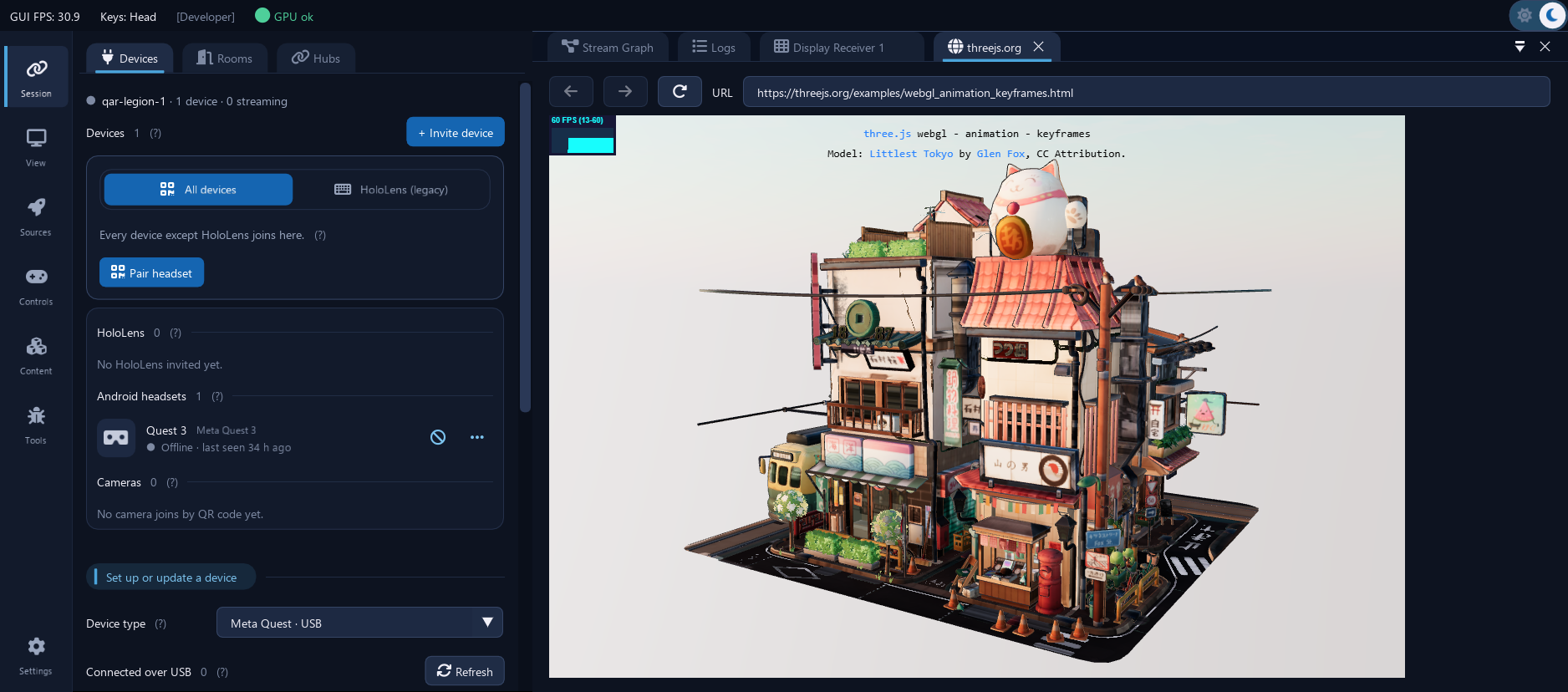
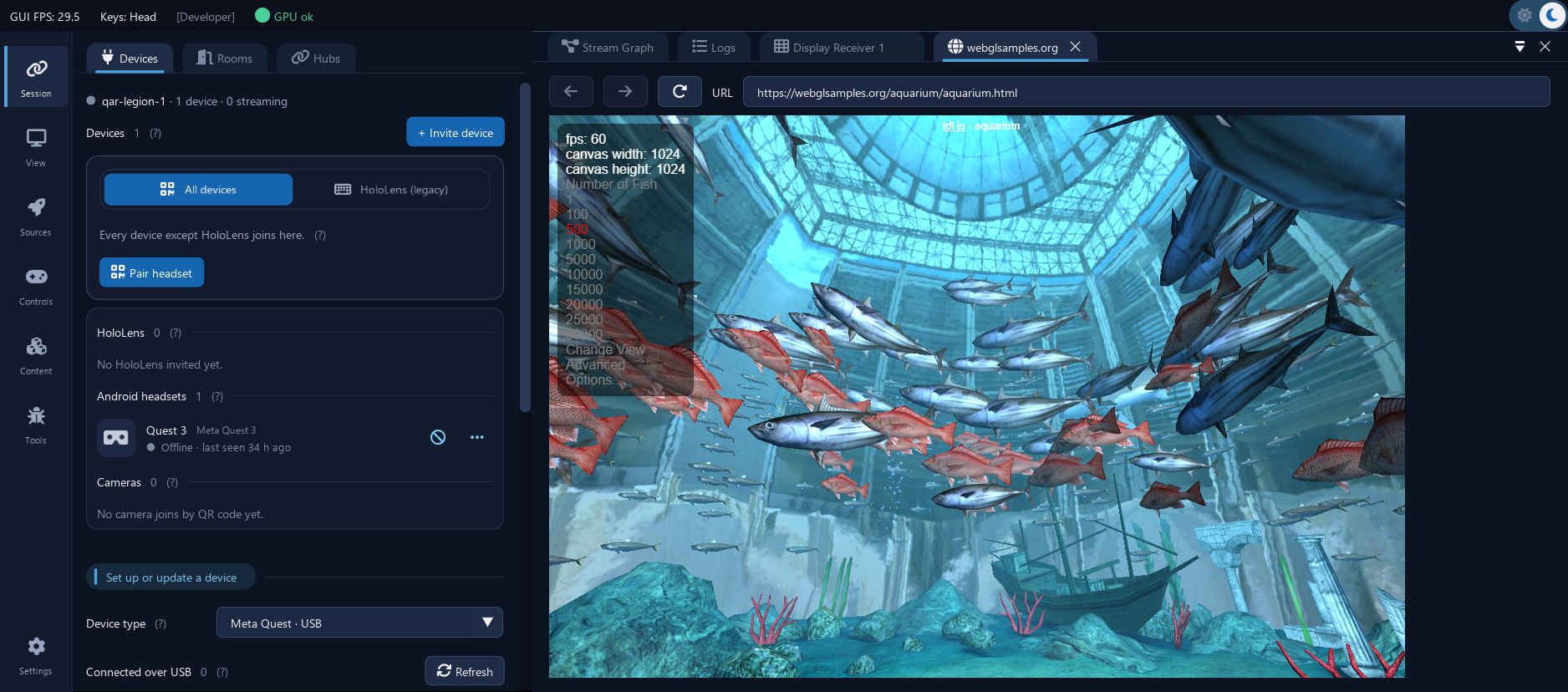
- The Visualizer loads the page in a built-in browser and injects the adaptation.
- Operators launch web apps from Source Applications (Web apps); this guide is for writing an adaptation.
The adaptation kit
Everything to write one ships with QAROS in <install>/share/qaros/adaptation-kit/, and is
published in the public qaros repository:
| Folder | What |
|---|---|
lib/ | The libraries: capture, render-frame and packing code shared by every adaptation. lib/index.json lists each with its version, stage and SHA-256 |
templates/ | Starter adaptations: threejs, webgl, webgpu, webgpu-redirect. Each has a profile.json, its own scripts, a README and a test |
examples/ | Reference apps (three.js, WebGL, WebGPU), the three.js reference page with served panels, and one runnable example per recipe |
tools/ | qaros-adaptation.py, the command line tool, and verify-depth.py |
- The kit is versioned with QAROS: an install resolves libraries from its own kit.
How a page is streamed
- One page for everyone. One DOM, one scene and one page input (the operator's page preview) serve all users. Users get the rendered 3D views, never the page's HTML.
- Every eye is a real camera. Each user's eyes are drawn with their own pose and projection, never a crop of another view. Screen-space and temporal effects (bloom, SSAO, TAA, outlines) cannot run per eye and are left out of the users' views.
- The atlas. All eyes of all users share one image. The top-left page region keeps the
page's own view for the preview; each eye gets a colour rectangle and a depth rectangle at half
resolution (and an alpha rectangle with
TransportAlpha). See atlas packing. - Depth is required. Headsets reproject the last frame to the newest head pose and mix sources by depth: colour without correct depth swims or is dropped.
Scripts and stages
An adaptation is an ordered list of scripts, each run at one stage:
| Stage | Runs | Used for |
|---|---|---|
preDocument | before any of the page's own scripts, in every new document, not subject to the page's content security policy | capturing the page's renderer or rendering context before the page creates it |
afterLoad | after the page has loaded | the render-frame handler, packers, site-specific code |
- Scripts run in declared order within a stage. A library comes after every library it needs.
- A script names a kit library or a file of the adaptation, never both:
"Scripts": [
  { "Name": "capture-renderer", "Stage": "preDocument", "Library": "threejs-capture@1" },
  { "Name": "scene-selection", "Stage": "preDocument", "File": "scripts/scene-selection.js" },
  { "Name": "render-frame-core", "Stage": "afterLoad", "Library": "render-frame-core@1" }
]
Libraries by name and major version
Librarynames<name>@<major>. QAROS injects its installed kit's file when the page loads, so a library fix in a QAROS update reaches every adaptation that uses it.- A minor version (a fix, a new optional option) keeps the major: every adaptation picks it up. A breaking change is a new major; the old major keeps shipping.
- An adaptation that names a major this QAROS does not have does not load, with
"requires
name@2, this QAROS provides @1: update QAROS" (troubleshooting). - The kit files are part of the signed QAROS install: they are not in your package, and a library QAROS injects does not change your adaptation's signature check.
- To freeze an exact version, bundle a copy instead (
qaros-adaptation pin, see quick start). - The earlier form
"Library": "name.js"still loads and meansname@1.
The profile
The fields an author sets in profile.json:
| Field | Meaning |
|---|---|
Id, Name, DisplayName, Version | Package identity: a reverse-DNS Id you own (com.example.viewer), the profile name, what users see, a semantic version |
AddressPattern | Glob over the page address (* any run, ? one character). The most specific matching adaptation wins |
StartAddress | The address the tile opens after an import. Default: AddressPattern when it has no wildcard |
Engine | three.js, webgl, webgpu or empty. three.js keeps the page untouched and streams from a separate surface |
PageRegion | Width x Height in pixels kept for the page's own view: at least 1024 x 1024, or 0 x 0 for none |
AppScale | Room metres per scene unit |
AppScaleByAddress | [{ "AddressPattern": ..., "AppScale": ... }]: the first match wins over AppScale. For one adaptation covering pages authored in different units. A page that navigates to an address with another scale rescales its volume while it streams |
RenderScale | (0, 1]: each eye's resolution as a fraction of the user's. Lower is cheaper; see thin lines |
ContinuousRendering | Draw every user on each animation tick from the newest cameras. See render rate |
RenderRate | Frames per second the page renders at most, 1 to 120. Default 30 |
Antialias | Samples per pixel of the users' eye views: 2, 4, 8 or 16. Absent: no multisampling. For lines thinner than a pixel, grids and point clouds; see thin lines |
TransportAlpha | Stream coverage alpha, for content meant to float in the room |
Channel | public (default), developer or debug. Developer and debug adaptations show only in the Visualizer's Developer mode |
CommonName | Base name of the app volume and served panels (lowercase DNS labels). Default: derived from StartAddress |
Panels | Folder of served panel pages, default panels |
Scripts | The ordered scripts, above |
FilesandSignatureare written byqaros-adaptation package: never by hand.- Fields a QAROS version does not know are kept when it rewrites a profile.
Where to go next
| Page | For |
|---|---|
| Quick start | init, check, test, package, verify, pin |
| Develop with AI agents | Connect a coding agent to the Visualizer's MCP endpoint, the authoring skills, an example session |
| Library reference | What each library needs, provides and guarantees |
| Recipes | Atlas packing, thin lines, depth conventions, iframes, UI confinement, render rate, WebGPU redirect, common mistakes |
| Troubleshooting | Load errors, leftover adaptations, blank or dashed views |
| Contribute an adaptation | Publish an adaptation for every QAROS user through Quaternar/qaros-webapps |